Author name: Rahnuma Tasnim

Rahnuma is a technical content writer at software testing stuff. A software engineer by degree and a dynamic content creator by passion, she brings to table over 3 years of writing experience in tech niche. Combining her enthusiasm for writing and technology, she loves to share her thoughts on the latest tech trends.

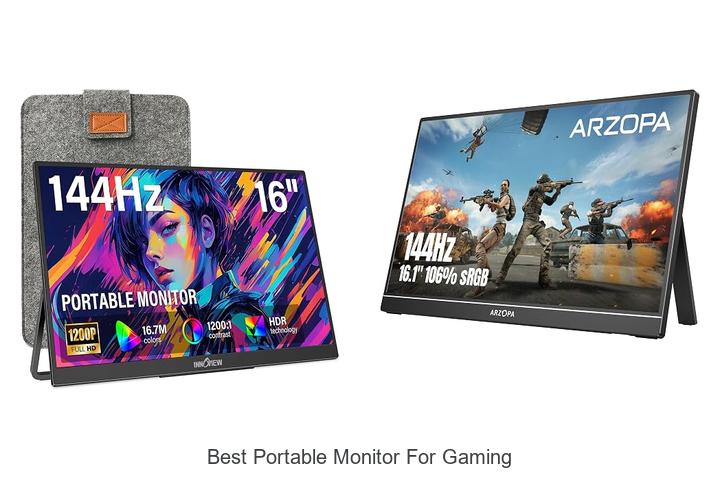
Best Portable Monitor for Gaming: Ultimate Visual Upgrade!

With advancements in display technology such as high refresh rates, low input lag, and adaptive sync capabilities, the demand for the best portable monitor for gaming has surged among enthusiasts seeking immersive gameplay beyond stationary setups. Gamers prioritize factors like IPS panel quality, response time, and HDR support to ensure fluid visuals and vibrant color

Best Portable Monitor for Gaming: Ultimate Visual Upgrade! Read More »
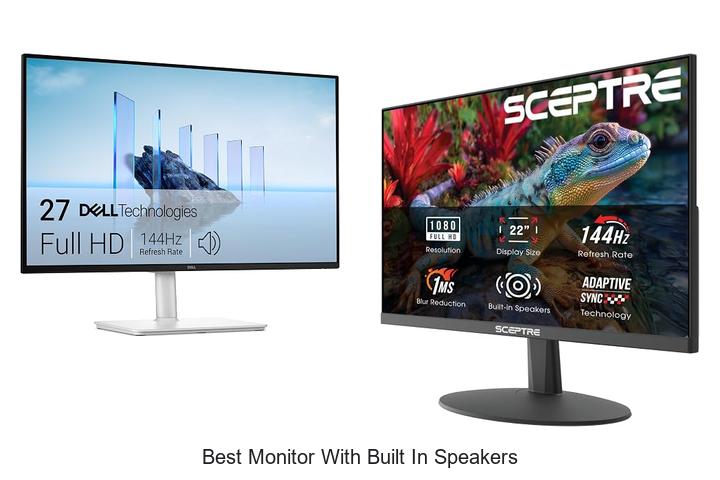
Best Monitor with Built In Speakers You Can’t Miss!

In the realm of display technology, factors such as resolution, refresh rate, and audio integration play pivotal roles in delivering an immersive user experience. Monitors equipped with high-fidelity built-in speakers eliminate the need for external audio devices, reducing desk clutter and enhancing convenience. When evaluating options for the best monitor with built in speakers, considerations

Best Monitor with Built In Speakers You Can’t Miss! Read More »

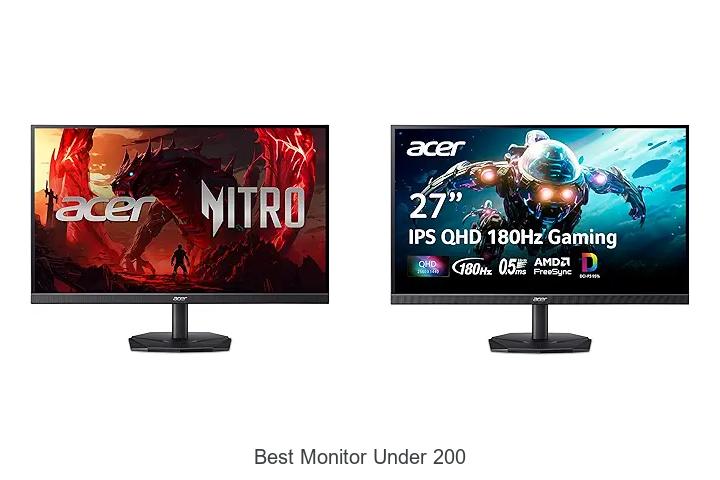
Best Monitor Under 200 That Will Blow Your Mind!

When evaluating display technology within budget constraints, parameters such as resolution, refresh rate, panel type, and connectivity options become critical factors influencing the overall user experience. For professionals and gamers alike, finding the best monitor under 200 dollars involves balancing color accuracy, response time, and ergonomic design without compromising on essential features. This price segment

Best Monitor Under 200 That Will Blow Your Mind! Read More »

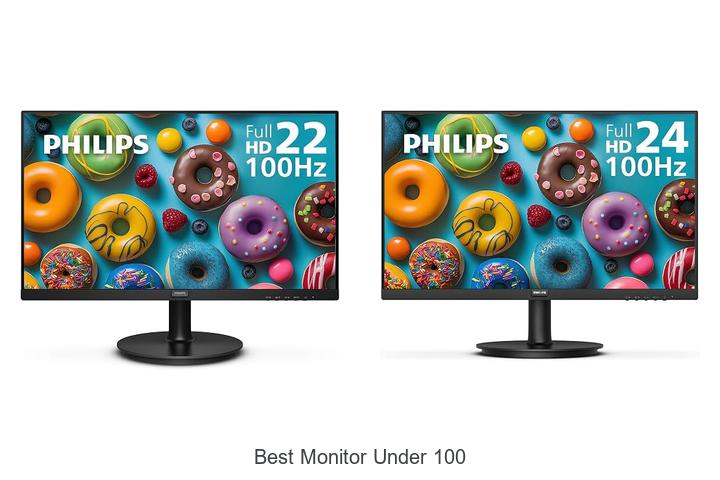
Best Monitor Under 100: Top Picks You Can’t Miss!

Resolution, refresh rate, and response time are critical specifications when evaluating display performance, especially within budget constraints. Achieving an optimal balance among these technical factors can significantly enhance visual clarity and reduce motion blur, making it essential to examine each feature meticulously. For those seeking the best monitor under 100 dollars, the challenge lies in

Best Monitor Under 100: Top Picks You Can’t Miss! Read More »

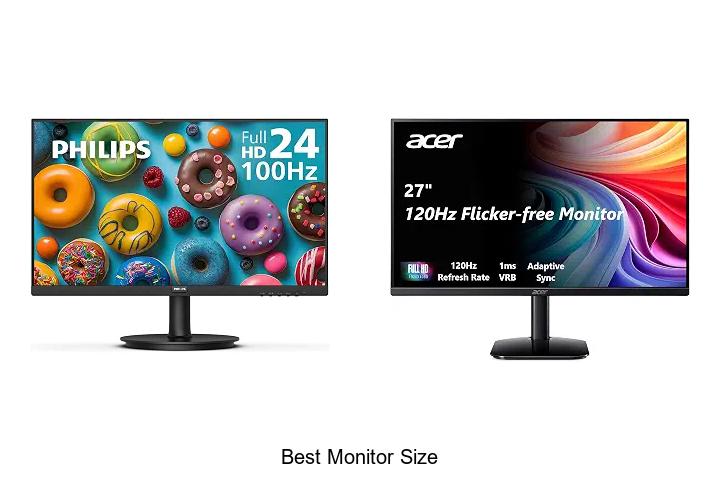
Discover the Best Monitor Size for Ultimate Productivity!

When evaluating display specifications such as screen resolution, pixel density, and aspect ratio, the best monitor size becomes a critical factor influencing user experience and productivity. Monitor dimensions not only affect visual clarity and workspace ergonomics but also play a pivotal role in how content is perceived across diverse applications—from detailed graphic design to immersive

Discover the Best Monitor Size for Ultimate Productivity! Read More »

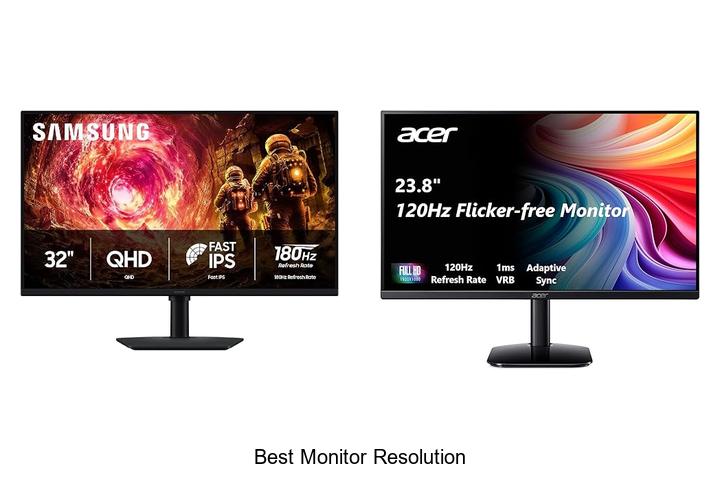
Unlock Stunning Clarity: Discover the Best Monitor Resolution!

Pixel density, aspect ratio, and refresh rate are fundamental factors when evaluating display quality, but the best monitor resolution often defines the clarity and detail visible on-screen. Whether it’s for professional graphic design, immersive gaming, or high-definition video editing, understanding how resolution impacts image sharpness and workspace efficiency is crucial. The best monitor resolution balances

Unlock Stunning Clarity: Discover the Best Monitor Resolution! Read More »

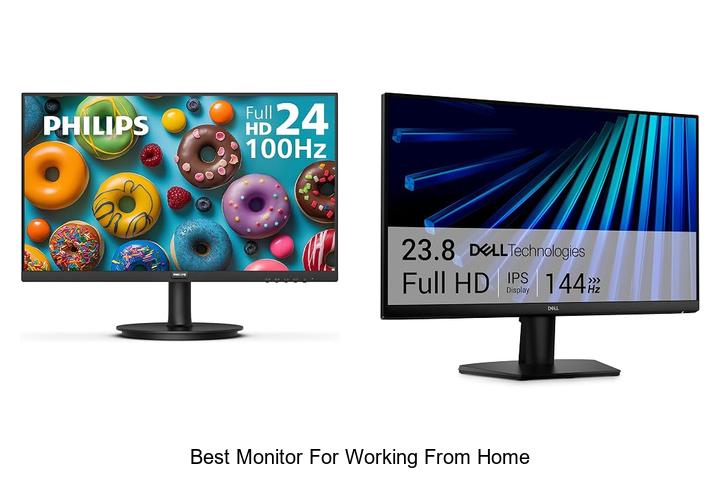
Best Monitor for Working From Home: Top Picks You Need Now!

In the realm of remote productivity, factors such as screen resolution, refresh rate, color accuracy, and ergonomic adjustability play pivotal roles in optimizing the home office setup. Balancing these technical specifications ensures enhanced visual clarity and reduced eye strain, critical for prolonged working hours. Selecting the best monitor for working from home involves evaluating connectivity

Best Monitor for Working From Home: Top Picks You Need Now! Read More »

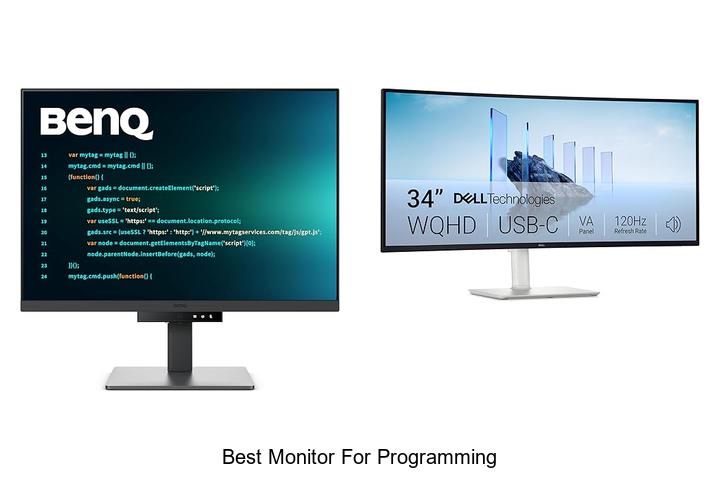
Best Monitor for Programming: Boost Your Coding Now!

High-resolution displays, adjustable refresh rates, and ergonomic designs play a pivotal role in optimizing the coding environment for developers. When tackling complex algorithms or debugging extensive lines of code, the clarity and precision of a monitor can significantly impact productivity and reduce eye strain. Moreover, factors such as color accuracy, screen real estate, and connectivity

Best Monitor for Programming: Boost Your Coding Now! Read More »

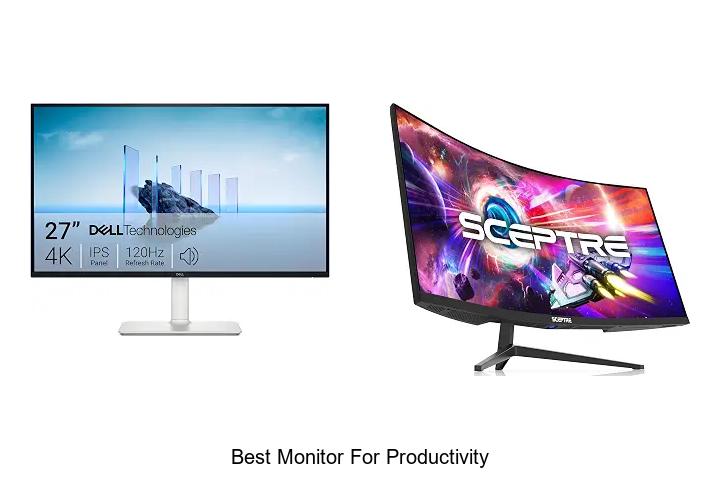
Best Monitor for Productivity That Will Boost Your Workflow!

High-resolution display panels, ergonomic adjustability, refresh rates, and color accuracy are critical specifications that significantly influence workstation efficiency. When optimizing a productivity-oriented setup, selecting the best monitor for productivity involves analyzing factors such as screen size, resolution capabilities, aspect ratio, and connectivity options. These technical elements contribute to reduced eye strain, enhanced multitasking, and seamless

Best Monitor for Productivity That Will Boost Your Workflow! Read More »

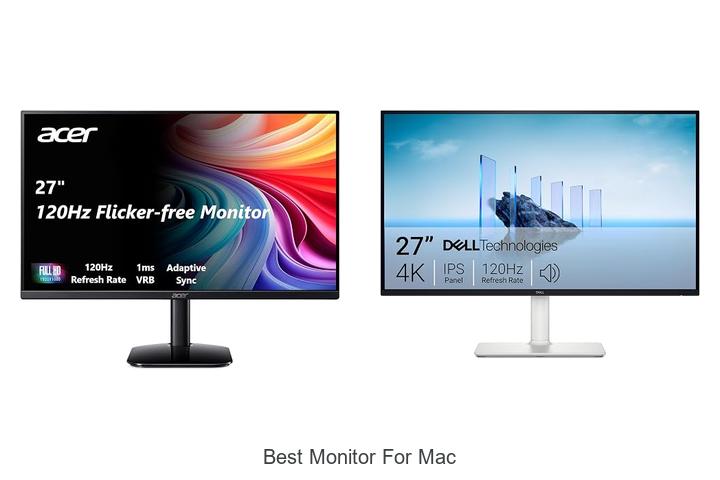
Discover the Best Monitor for Mac That Boosts Your Workflow!

When evaluating display technology for macOS environments, factors such as color accuracy, resolution fidelity, and seamless integration with Retina displays become paramount. Professional creatives and tech enthusiasts alike prioritize monitors that deliver impeccable color gamut coverage, high pixel density, and Thunderbolt connectivity to harness the full potential of their Mac systems. Selecting the best monitor

Discover the Best Monitor for Mac That Boosts Your Workflow! Read More »

Scroll to Top